Showing posts with label powershell. Show all posts

Monday, April 4, 2022

Powershell script to search a keyword in all items in Sitecore

This Powershell script is used to search for an occurrence of a string in all Sitecore items and in all the fields, including the standard fields.

The script traverse through all the items under the item path provided in the script. For each item, it gets all the fields and in each field it tries to match the input string. If the input matches then that item along with additional details is added to an ArrayList which is displayed at the end.
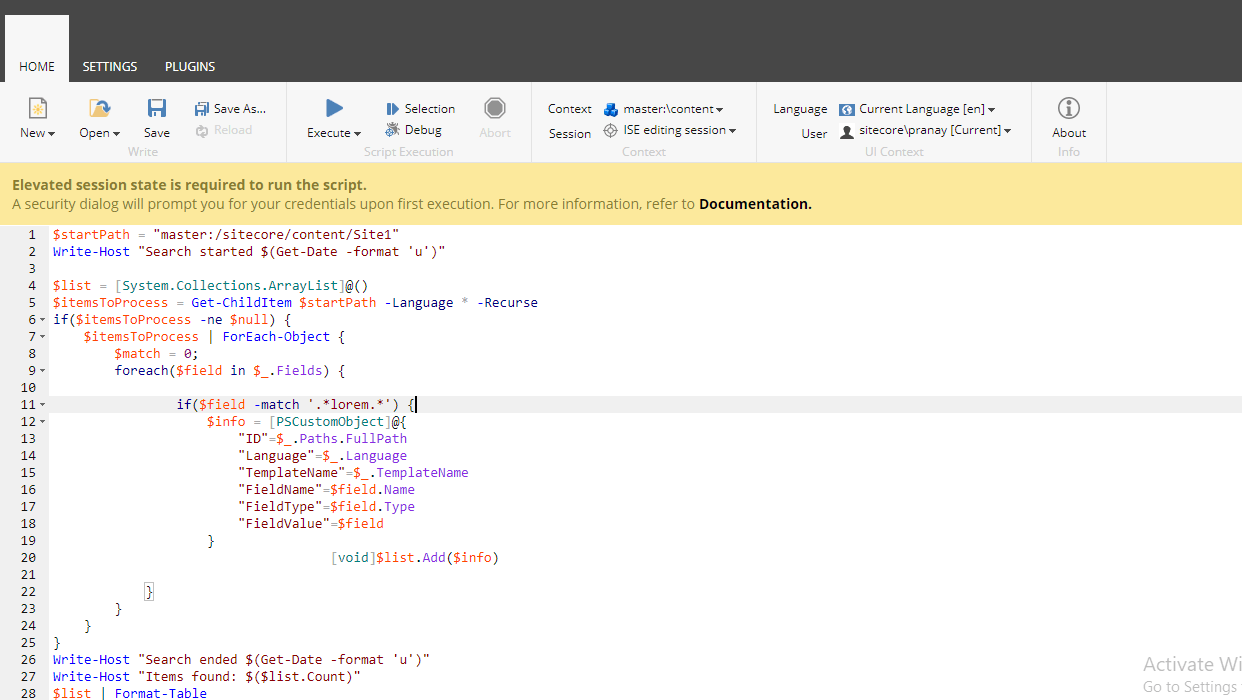
Powershell script to search for a pattern in Sitecore

Note: As the script goes through each item and all its fields, this script would take time to run. It is suggested not to run on the entire site root, instead run it on the sections needed.

Powershell script

$startPath = "master:/sitecore/content/Site1"
Write-Host "Search started $(Get-Date -format 'u')"
$list = [System.Collections.ArrayList]@()
$itemsToProcess = Get-ChildItem $startPath -Language * -Recurse
if($itemsToProcess -ne $null) {
    $itemsToProcess | ForEach-Object { 
        $match = 0;
        foreach($field in $_.Fields) {
                if($field -match '.*productName.*') {
                    $info = [PSCustomObject]@{
                        "ID"=$_.Paths.FullPath
                        "Language"=$_.Language
                        "TemplateName"=$_.TemplateName
                        "FieldName"=$field.Name
                        "FieldType"=$field.Type
                        "FieldValue"=$field
                    }
                    [void]$list.Add($info)
            }
        }
    }
}
Write-Host "Search ended $(Get-Date -format 'u')"
Write-Host "Items found: $($list.Count)"
$list | Format-Table

Hope it helps. Please do share!!

Wednesday, November 17, 2021

Sitecore Powershell script to unpublish items

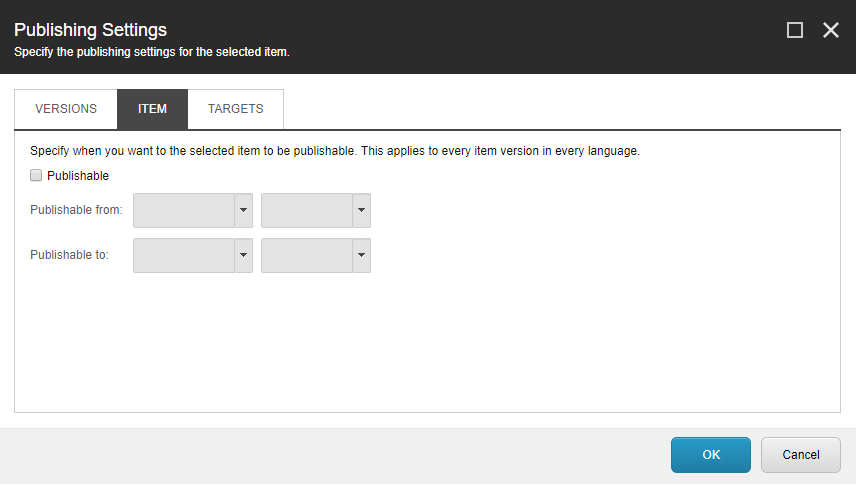
If you want to delete or unpublish all items under a root item using PowerShell script then this is the post you are looking for. This script disables the 'publishable' option of an item in Sitecore.

Is this not the script you are looking for? Then check this complete list of Sitecore Powershell scripts

Unpublishing an item

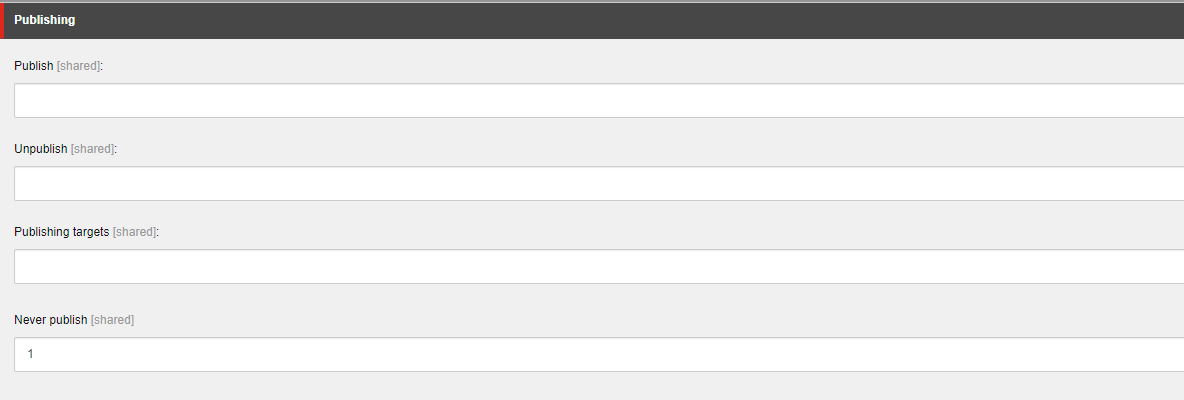
Every item has publishable option. Upon disabling and publishing to web, the item will be removed from web database. If there are multiple items which are need to be deleted, doing it manually will never be a good option. Here is the script which disables the publishing option. The publishable option is disabled by setting the value in the field Never Publish under the section Publishing. This can be viewed by checking the field raw values mode.

Image Text

Here, setting the $item.Fields["__Never publish"].Value to 1 disables the publishable option.

Image Text

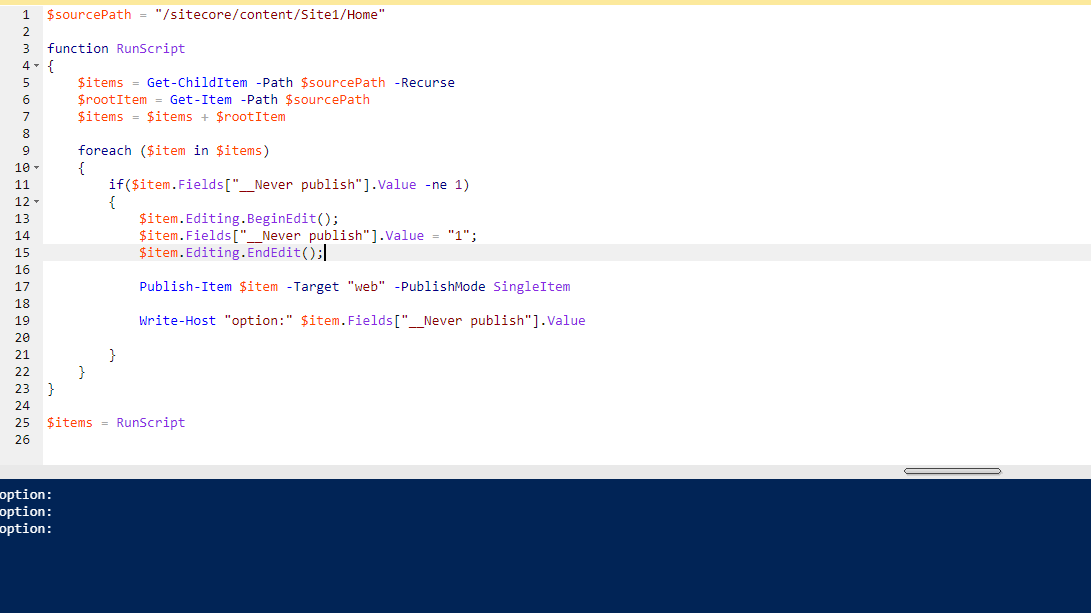
Sitecore Powershell script to unpublish items by setting off 'publishable' option

$sourcePath = "/sitecore/content/Site1/Home"
function RunScript
{
    $items = Get-ChildItem -Path $sourcePath -Recurse
    $rootItem = Get-Item -Path $sourcePath
    $items = $items + $rootItem

    foreach ($item in $items)
    {
        if($item.Fields["__Never publish"].Value -ne 1)
        {
            $item.Editing.BeginEdit();
            $item.Fields["__Never publish"].Value = "1";
            $item.Editing.EndEdit();
        
            Publish-Item $item -Target "web" -PublishMode SingleItem 

            Write-Host "option:" $item.Fields["__Never publish"].Value
        
        }
    }
}

$items = RunScript

Image Text

Thursday, September 23, 2021

Most useful Powershell scripts for a Sitecore developer

 A Sitecore PowerShell script to check if the selected sub tree of items have the language fallback enabled and update the items to enable the language fallback accordingly

Is this not the script you are looking for? Then check this complete list of Sitecore Powershell scripts

Check if language fallback enabled on an Item

The script is used to check an item and all its descendants if the language fallback is enabled. It lists all the items for which the language fallback is not enabled.

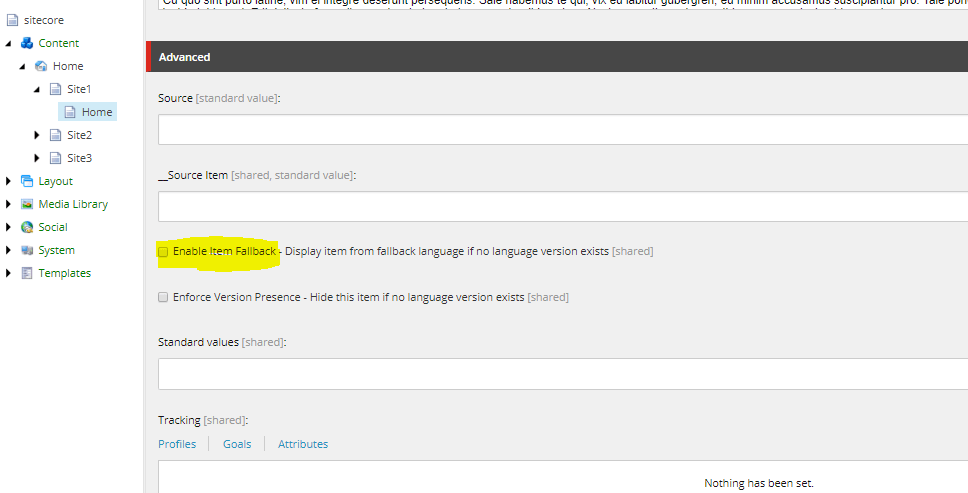
Fallback option

The script checks the value in the field ''__Enable Item Fallback'' for each item. This field value is '1' when the language fallback is enabled.

$sourcePath = "master:/sitecore/content/Home/Site1"
$items = Get-ChildItem -Path $sourcePath -Recurse
$rootItem = Get-Item -Path $sourcePath
$items = $items + $rootItem

foreach($item in $items){
    if ($item.Fields["__Enable Item Fallback"].Value -ne "1")
    {
        Write-Host $item.ID $item.Fields["__Enable Item Fallback"].Value $item.Paths.Path
    }
}

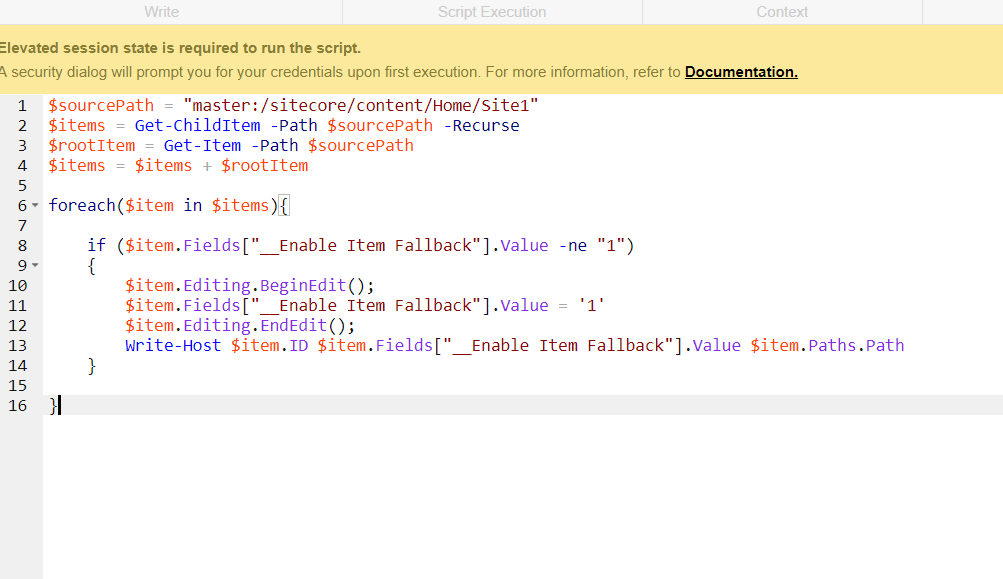
Script for updating an item to enable language fallback###

Say if you want to enable the language fallback of an item and all its descendants, then below scripts helps you. It checks each item if the fall back is enabled, if it is not then the script would update the item to enable the language fallback and publishes it. As the __Enable Item Fallback field is a shared field, it need not to be done on each language version separately.

$sourcePath = "master:/sitecore/content/Home/Site1"
$items = Get-ChildItem -Path $sourcePath -Recurse
$rootItem = Get-Item -Path $sourcePath
$items = $items + $rootItem

foreach($item in $items){

    if ($item.Fields["__Enable Item Fallback"].Value -ne "1")
    {
        $item.Editing.BeginEdit();
        $item.Fields["__Enable Item Fallback"].Value = '1'
        $item.Editing.EndEdit();
        Write-Host $item.ID $item.Fields["__Enable Item Fallback"].Value $item.Paths.Path
    }
 
}

LanguageFallback

Hope this helps you. Please comment your thoughts.

Thursday, December 24, 2020

Sitecore PowerShell script to get unreferenced media items

 This PowerShell script can be used to clean or list all the Sitecore media library items which are not referenced by any item in Sitecore. This can also be restricted to a sub tree within the media library by updating the source path accordingly.

To run this script it requires the Sitecore PowerShell module to be installed on your Sitecore instance.

Is this not the script you are looking for? Then check the complete list of Sitecore Powershell scripts

Image Text

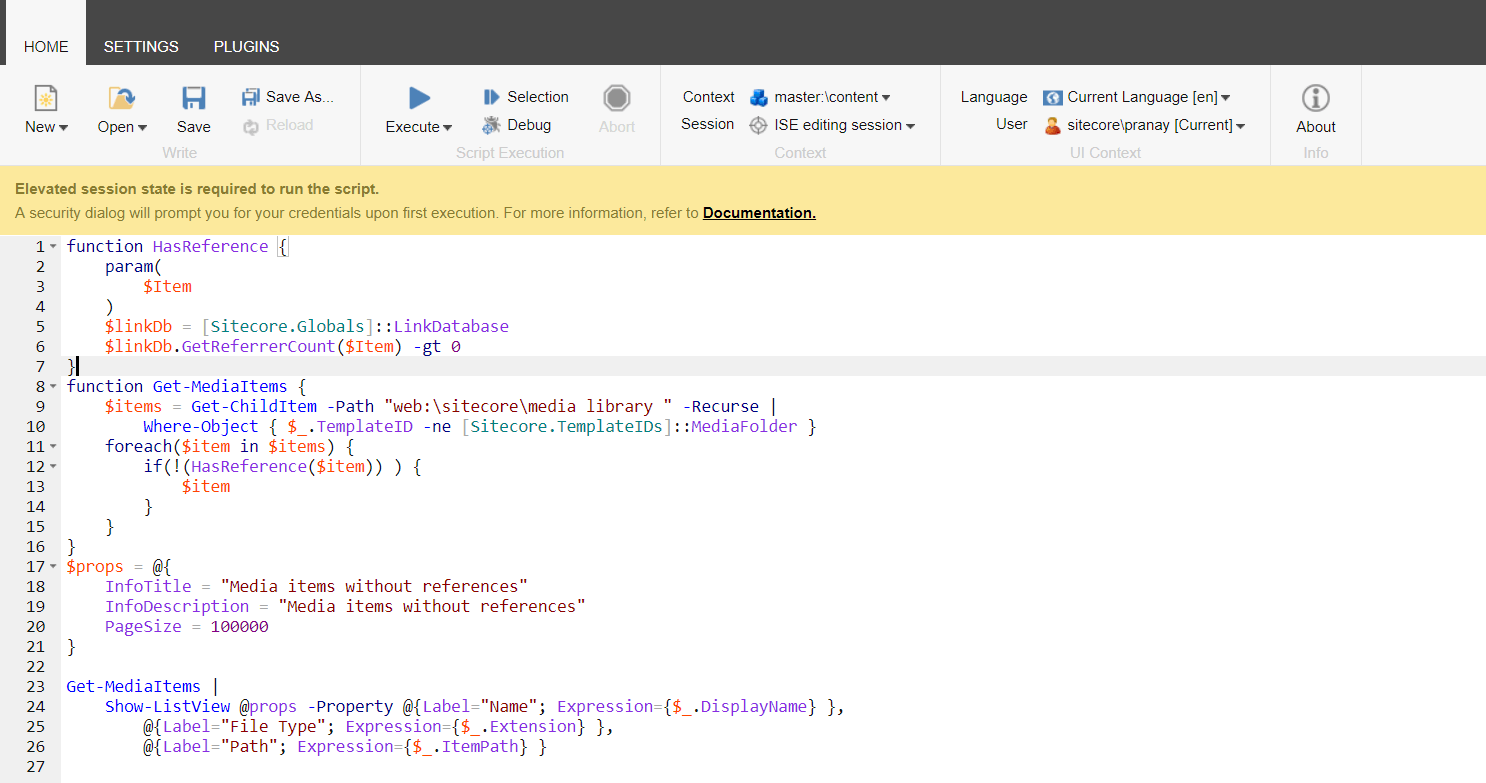
Steps:

  1. Retrieve all the child items recursively from the media library root node \sitecore\media library. If you want to check only from a subtree/folder inside the media library, then update this path in the script below accordingly.
  2. For each media item, get the count of items which have references to this media item.
  3. If the count of references is zero, then consider this to be an unreferenced media item.
  4. Display all such items in a tabular format using the Show-ListView of PowerShell.

Sitecore PowerShell script to get unreferenced media items

function HasReference {
    param(
        $Item			
    )    
    $linkDb = [Sitecore.Globals]::LinkDatabase
    $linkDb.GetReferrerCount($Item) -gt 0
}
function Get-MediaItems {
    $items = Get-ChildItem -Path "web:\sitecore\media library" -Recurse | 
        Where-Object { $_.TemplateID -ne [Sitecore.TemplateIDs]::MediaFolder }
    foreach($item in $items) {
        if(!(HasReference($item)) ) {
            $item
        }
    }
}
$props = @{
    InfoTitle = "Media items without references"
    InfoDescription = "Media items without references"
    PageSize = 100000
}

Get-MediaItems |
    Show-ListView @props -Property @{Label="Name"; Expression={$_.DisplayName} },
        @{Label="File Type"; Expression={$_.Extension} },
        @{Label="Path"; Expression={$_.ItemPath} }

Saturday, March 21, 2020

Sitecore PowerShell script to enable Language fallback

 A Sitecore PowerShell script to check if the selected sub tree of items have the language fallback enabled and update the items to enable the language fallback accordingly

Is this not the script you are looking for? Then check this complete list of Sitecore Powershell scripts

Check if language fallback enabled on an Item

The script is used to check an item and all its descendants if the language fallback is enabled. It lists all the items for which the language fallback is not enabled.

Fallback option

The script checks the value in the field ''__Enable Item Fallback'' for each item. This field value is '1' when the language fallback is enabled.

$sourcePath = "master:/sitecore/content/Home/Site1"
$items = Get-ChildItem -Path $sourcePath -Recurse
$rootItem = Get-Item -Path $sourcePath
$items = $items + $rootItem

foreach($item in $items){
    if ($item.Fields["__Enable Item Fallback"].Value -ne "1")
    {
        Write-Host $item.ID $item.Fields["__Enable Item Fallback"].Value $item.Paths.Path
    }
}

Script for updating an item to enable language fallback###

Say if you want to enable the language fallback of an item and all its descendants, then below scripts helps you. It checks each item if the fall back is enabled, if it is not then the script would update the item to enable the language fallback and publishes it. As the __Enable Item Fallback field is a shared field, it need not to be done on each language version separately.

$sourcePath = "master:/sitecore/content/Home/Site1"
$items = Get-ChildItem -Path $sourcePath -Recurse
$rootItem = Get-Item -Path $sourcePath
$items = $items + $rootItem

foreach($item in $items){

    if ($item.Fields["__Enable Item Fallback"].Value -ne "1")
    {
        $item.Editing.BeginEdit();
        $item.Fields["__Enable Item Fallback"].Value = '1'
        $item.Editing.EndEdit();
        Write-Host $item.ID $item.Fields["__Enable Item Fallback"].Value $item.Paths.Path
    }
 
}

LanguageFallback

Hope this helps you. Please comment your thoughts.